Edit a group of records
Say which records to pick and what to change. For example, raise the attack of all weapons of a given level.
Demo · 1 min

RAE AI
Describe what to change in items, quests or drops. RAE AI makes the changes through the editor.
Hand bulk changes and reference lookups to the agent. Updates take less time to prepare, so you can release content more often.
Say which records to pick and what to change. For example, raise the attack of all weapons of a given level.
Ask the agent to create items and recipes or set up an NPC exchange in one request.
Find where an item is used, which shops sell it and which quests award it.
The agent can follow references from an NPC to its quest and reward in the open files.
Write requests like these in Codex, Claude Code or another connected client. Name the items, NPCs and limits that matter.
Example request
Create a daily exchange: 50 tokens for a chest. Use an existing chest as the template and attach the exchange to our NPC.
The task involves items, quest conditions and a reference to the NPC.
Example request
Make a new tier based on this equipment set. Increase its stats by 15% and prepare upgrade recipes.
The agent creates records from the template and links items to recipes.
Example request
Find weapons for level 80 and above. Show the selection and propose a 15% attack increase.
Review the selected items first, then apply one rule to the whole group.
Example request
Why is this NPC’s exchange unavailable? Check its service, quest, conditions and reward in the loaded files.
The agent checks related records and explains what it could establish from the files.
RAE AI ships with instructions for working with game data: check the structure, validate changes, confirm they were saved. The agent runs the same checks every time, on top of the editor’s own tools.
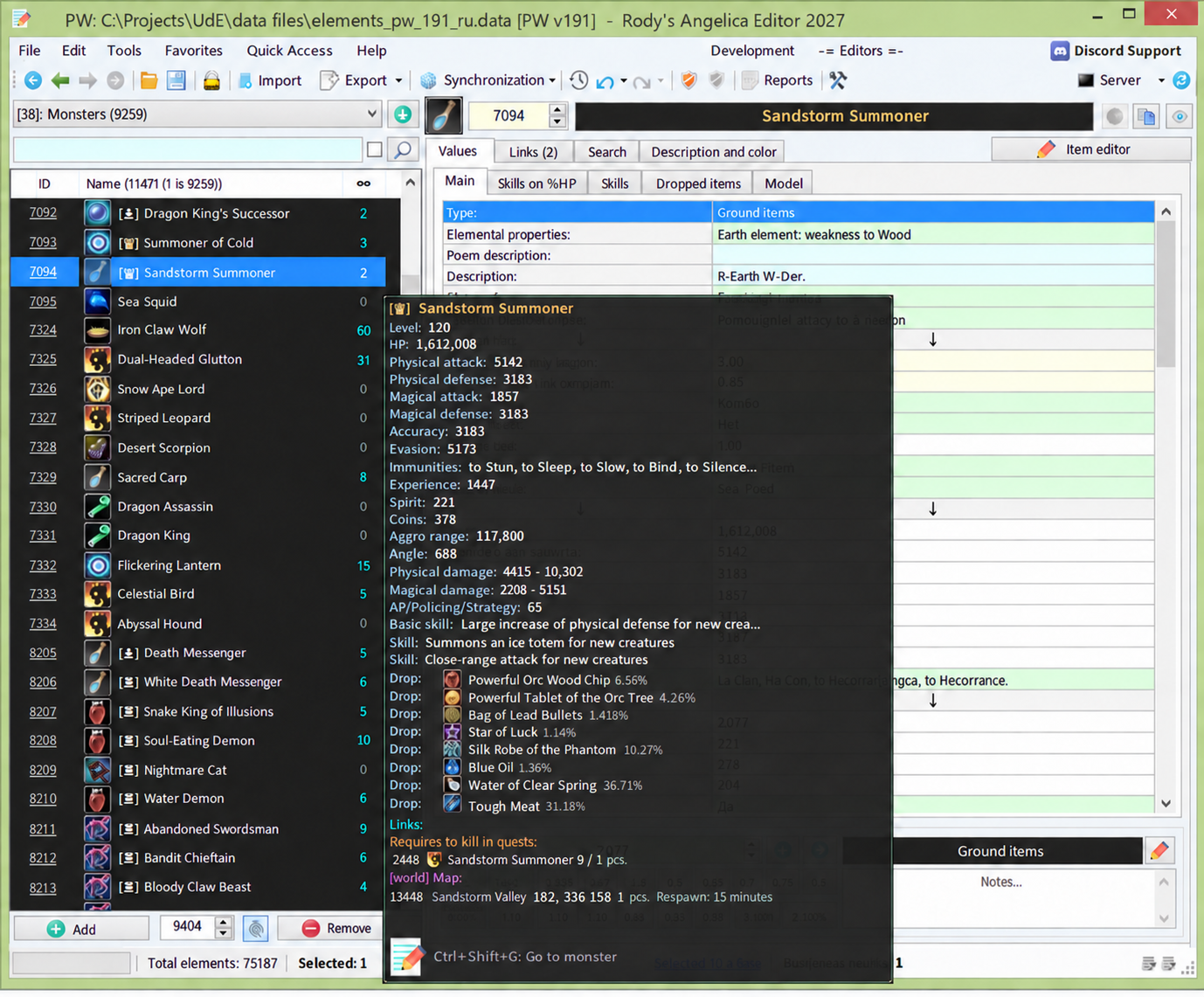
RAE connects to your AI client through MCP. The built-in wizard adds the connection and a skill that tells the agent how to use the editor.
Getting started with RAE AIIn a compatible editor version, choose RAE AI → Install RAE MCP. Your license needs AI Agent access.
The wizard supports Codex, Claude Code, Cursor, OpenCode and Antigravity CLI. Review the displayed paths and complete installation.
Restart your agent, open your game files in RAE and start by asking it to inspect the data or draft a change plan.
RAE AI connects your AI agent to Rody’s Elements Editor. MCP (Model Context Protocol) lets the agent read and edit game data through RAE tools. You write your request in your own AI client.
The agent is instructed to check its work before reporting it done. RAE AI adds previews, result checks and save verification, which catch mistakes that are easy to miss when editing by hand. If a change is wrong, the agent can revert the change set, and elements.data also keeps a backup from the previous save. These checks do not cover all game logic, so test updates on a server before release.
RAE works with Perfect World, Forsaken World, Jade Dynasty and other Angelica Engine games. Which AI operations are available depends on the game, the file version and the editor build. Check that your files are supported before connecting, especially tasks.data and npcgen.data.
RAE AI needs AI Agent access on your RAE license. Your AI provider bills its subscription or API usage separately, under its own terms. Ask RodySoft on Telegram about RAE AI pricing and availability.
The MCP connection to the editor runs locally on your computer. Data the agent reads through the tools goes into your model’s context and is processed under your provider’s policies. A local connection does not mean the model runs offline.
It depends on which actions you allow. The agent can apply and save changes without asking. If you want a preview first, ask for it and set it up in AI Policy. Deleting referenced records and cascade deletes need extra confirmation.
Your RAE license needs AI Agent access. Message us on Telegram with your game and server version, and we will confirm compatibility and price.